
Power BI & Master Data Management
As a Power BI consulting service, we understand that it’s crucial for your analytics process to use accurate data. Reports and dashboards that show the “truth” are what really help in data-driven decision-making.
 P3 Adaptive
As a Power BI consulting service, we understand that it’s crucial for your analytics process to use accurate data. Reports and dashboards that show the “truth” are what really help in data-driven decision-making.

In Power BI, you can create insightful reports and dashboards to meet your data visualization needs.

In the dynamic realm of data visualization and analytics, Power BI stands out as a pivotal tool for businesses aiming to derive actionable insights from their vast data repositories.

Choosing the right Power BI implementation partner is a pivotal decision that can shape your business’s ability to effectively utilize data and create data visualization.

Knowledge, the lifeblood of any thriving company, is derived from data. As your business grows, so do your data demands.
Let’s face it—Microsoft Excel has been a great tool for decades. It’s reliable. It’s familiar. It has served us well.

Despite being a relative newcomer, Power BI has emerged as a powerful tool widely used by businesses across industries.
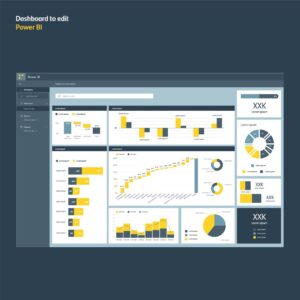
Power BI is currently the most popular Business Intelligence (BI) tool with the highest market share.

Google Analytics is packed with useful info. However, you may want to add more data from other sources for a more holistic view of your business performance.

Tracking your website’s performance is vital, and Google Analytics is your secret weapon. It gives you a full view of website traffic and how users behave.

Google Analytics offers standard and exploration reports to help you understand your website performance.

One of the first questions many enthusiasts and professionals alike grapple with is, “How do I enable Microsoft Fabric?”