
Azure Synapse Analytics Consulting
Azure Synapse Analytics is not simply another data platform, it’s the high-octane engine behind business transformation
 P3 Adaptive
Azure Synapse Analytics is not simply another data platform, it’s the high-octane engine behind business transformation

The Medallion Lakehouse in Microsoft Fabric offers a modern, scalable framework for managing analytical data in today’s cloud-first businesses.

Role-level security in Power BI lets you control who sees what based on the roles you assign

In data strategy, a matrix approach treats data as an integrated asset that connects across all business functions, goals, and initiatives—not in silos.

Successful Microsoft Fabric deployments typically use a layered approach (ingestion, processing, consumption, visualization) or a modular, business-aligned model.

The most important skill for a consultant is exceptional communication, specifically, the ability to translate complex data and analytics into clear priorities.

To deploy a Power BI gateway that operates smoothly, every organization should understand and meet the minimum requirements.

Connecting your SQL database to Power BI empowers business leaders to unify and leverage their enterprise data, driving action and informed decision-making.
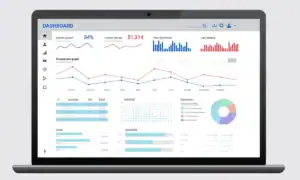
SQL databases in Microsoft Fabric store, manage, and unify data across operations, analytics, and BI, forming the backbone of enterprise workflows.

Business intelligence (BI) is like a backstage pass to your company’s performance (no more guessing what’s going on behind the curtain)

AI data management refers to the strategic organization, integration, and governance of data assets to optimize how artificial intelligence (AI) technologies

Microsoft Fabric empowers data management in one place, so you can connect, analyze, and get real-time insights without juggling multiple tools or systems.