Data Models: Power BI Has a Brain. How About Your BI Strategy?
Alternate Titles Abound! I could have just as easily titled this post ANY of the following:
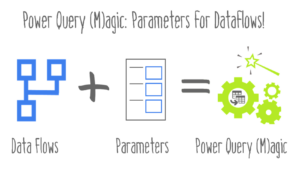
I’ll get to parameters for dataflows in a bit. To begin, let’s talk about dataflows. Dataflows are Power Query queries that live outside of Power BI reports and can be refreshed on a schedule within Power BI service.
In a recent project with one of our clients, we were attempting to categorize website visit logs, based on the visitor’s landing page.
One of the nice things about the Power Suite (the term I generally use to refer to Power BI, Power Pivot, and Power Query; does anyone else have any good terms?)
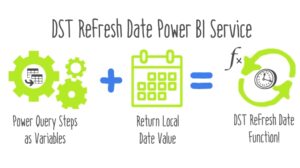
Quick tip for DST Refresh Date function Power BI Service. I’ll put the code up front, and explain it below.
For the new year, I have a question for you: What do you think of when you hear the word “Flow”?
I see a lot of Power BI users asking for the ability to set a default slicer selection in their reports
I’ve written in the past about using the CUBE functions in Excel. The general pattern of the examples I’ve used was pretty consistent:
Here are 2 tips for visualizations in Power BI Dashboard. In Power BI service (PBIS) there are reports
Power BI comes stocked with a great set of visuals that keep getting better (more options to do multiples, please)
Happy Thanksgiving everyone! Normally I use this holiday as an excuse to post something off-topic, but this year, I’m gonna stay ON topic and share something I’ve been meaning to broadcast for awhile. I just haven’t had the time to catch my breath.
Have you ever needed to get data out to an internal customer quickly to meet an urgent business need, in an easy to access, updateable format?